The Drag & Drop Page Builder allows you to easily create and update custom web pages and Brand Portals without coding knowledge. You can showcase key information and ensure it's updated instantly.
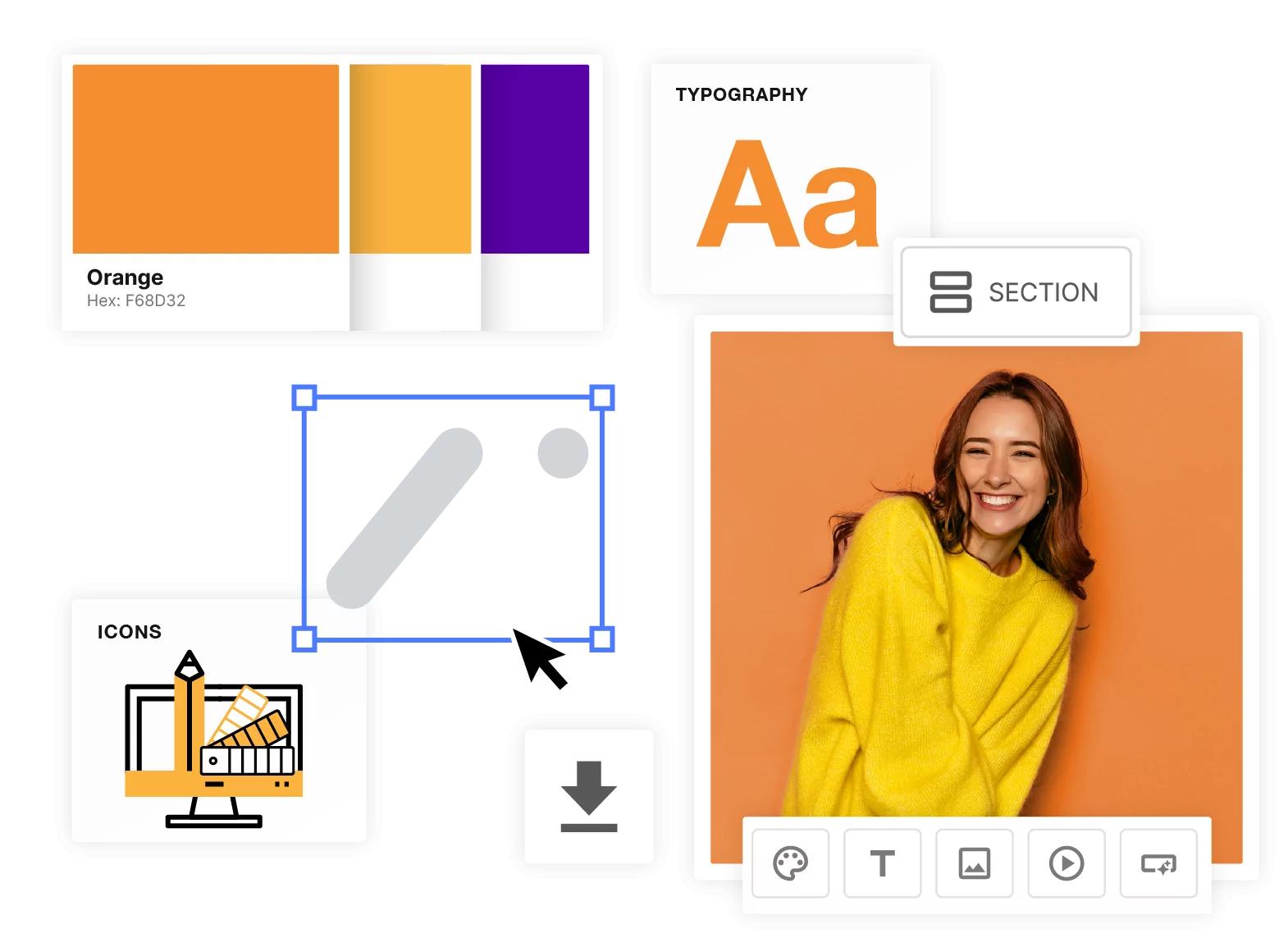
Using the Page Builder, you can drag and drop Sections, Containers and Widgets to display your brand colors, logos, fonts, imagery, videos and documents. It can also be used to create landing pages or to guide users through essential aspects of your platform. The tool is designed so that anyone can build pages without any coding experience.
What you can do with the Page Builder
- Build layouts with Sections, Containers and Widgets. Widgets include Text, Image, Video, Document, Button, Color Palette & HTML / CSS.
- Start from a Template or a Blank Page. Templates are grouped by type: Colors, Logos, Icons, Imagery and Typography.
- Work with Layers. Use the Layers panel to see and select every part of your page structure, and click a layer to jump to it on the canvas.
- Link assets from your DAM. Images, videos & Documents stay up to date when new versions are added, and DAM permissions apply.
- Set your own navigation. Add Pages and Sub-Pages and re-order them. Navigation can be vertical or horizontal and Navigation Styles can be added to customise the background color and text of the panel.
- Group pages with Categories. Assign pages to a Category and set a custom order for each one.
- Adjust dimensions for Tablet and Mobile. Switch device views in the builder and set different values per device.
Whilst "coded" Custom Pages are built using HTML and can be customised fully from a design standpoint, Drag & Drop Pages are easy to create and control; giving you full control over your pages. If you would like to learn more about coded custom pages please click here or contact your account manager.
You can view the full list of related pages here or view suggested articles below.
Was this article helpful?
That’s Great!
Thank you for your feedback
Sorry! We couldn't be helpful
Thank you for your feedback
Feedback sent
We appreciate your effort and will try to fix the article